Brand & press kit
DataMap brand assets
Everything you need to reference DataMap accurately — logos in every variant, the color palette, type, and approved company copy. Free to use for press, partners, customers, and events. No sign-up.
Logo
The DataMap logo
The full wordmark — the default in every context where it fits.






Icon
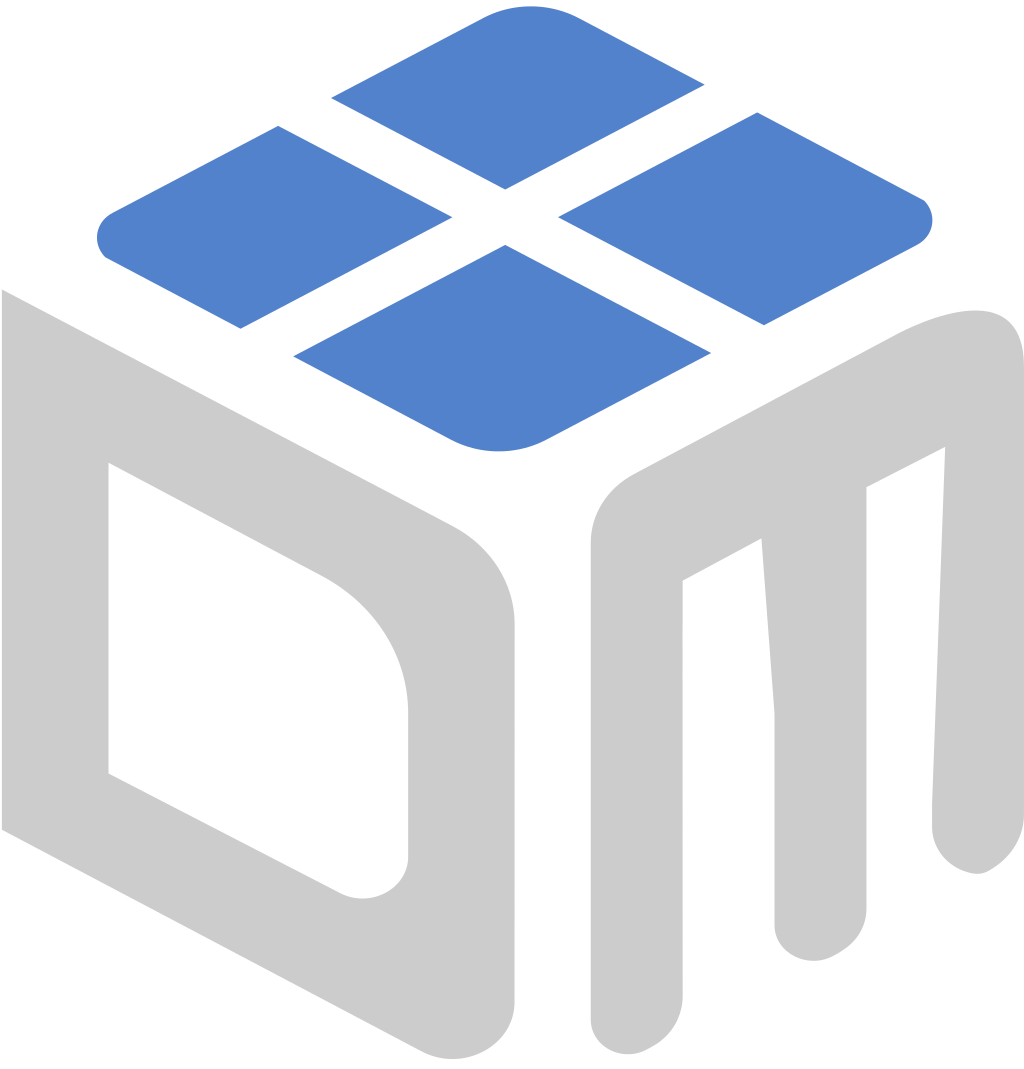
The DataMap icon
The mark alone — for favicons, avatars, app tiles, and tight spaces.
















Usage
Do and don't
Three rules cover almost everything: right variant for the background, room around it, and hands off the artwork.
Do
- Use the SVG whenever the medium allows; PNGs are for tools that can't take vectors.
- Pick the variant by background: color on light, dark-mode on dark, greyscale when color isn't available.
- Keep clear space equal to the height of the “d” on all sides.
- Never go below 120 px / 1 in wide for the logo or 24 px / 0.25 in for the icon.
Don't
- Don't stretch, rotate, outline, or add shadows, gradients, or effects.
- Don't recolor the logo outside the variants here, or place the color version on a busy photo.
- Don't pair it with another logo without a divider or clear space between them.
- Don't redraw the mark, set “DataMap” in another typeface, or split it into “Data Map”.
Color
Brand colors
Navy leads, Orange accents, and a quiet neutral scale carries the text. Click any value to copy it.
Navy
Primary — wordmark, headings, primary buttons
Deep Navy
Footer and dark bands
Ink
Body text on light backgrounds
Sky
Wordmark on dark backgrounds, eyebrows, links
Blue
Interactive accents and hover states
Orange
Accent — highlights and icons, never body text
Soft Orange
Accent tint backgrounds
Slate
Secondary text
Logo Grey
The “Map” in the wordmark on light backgrounds
Mist
Section backgrounds
Line
Borders and dividers
Neutral Grey
Greyscale logos and partner / client logo strips
Also in the kit: brand-colors.json and brand-colors.css (CSS custom properties).
Typography
Type
Three roles, three Google Fonts, all free. Display is set at weight 500 — not bold.
Tracking is bound to size: body -0.005em, titles -0.02em, display -0.03em, labels +0.02em. Fallback: system-ui, -apple-system, Segoe UI, Roboto, sans-serif.
About DataMap
Name and boilerplate
Copy these as written. If you need a different length or a quote, ask — we turn press requests around fast.
Our name
DataMap
One word, capital D and capital M. Legal entity: DataMap LLC.
Not: Data Map · Datamap · DATAMAP · DataMap.ai (in prose)
Facts
- Headquarters
- Kansas City, MO
- Website
- www.datamap.ai
- Tagline
- Make margins multiply
- Partners
- Coupa · Microsoft · SAP · Oracle · Boomi
Short description
DataMap is a technology and services company that implements, integrates, and runs the systems behind procurement and finance — Microsoft Dynamics 365, NetSuite, SAP, Coupa source-to-pay, and the Boomi and Workato integrations between them.
Everything in one file
Download the DataMap brand kit
40 logo files (SVG + PNG), colors as JSON and CSS, and a README with the rules. Updated 2026-09-01.